 E-KO RIP Center
Documentation › Administer
Troubleshooting
Common messages, their cause and what to do.
The most common situations, from connection to printing, with their cause and what to do. The exact message shown by the client or the interface is quoted in bold.
Connection
The client cannot find the server
- Check that the server is running:
systemctl status eko-rip-serveuron the server, or openhttp://<address>:8640in a browser: the status page should appear. - On Mac, allow local network access (System Settings › Privacy & Security › Local Network).
- Automatic discovery does not cross routers, VPNs or some guest Wi-Fi networks: enter the address under Enter an address (
192.168.1.20:8640). - A firewall on the server must let TCP port 8640 through (and UDP 5353 for discovery).
The browser only shows a status page
This is intended: inside the shop, the full interface is reserved for the clients. Use the client (Administration… menu) or the site's address on the Cloud.
"Open access" in red
No account is declared: any computer on the network can do everything. Create an administrator account (Creating the accounts).
"Too many attempts for this user: try again in 5 minutes."
Five wrong passwords: this name is blocked for 5 minutes. Wait, or restart the service (which closes all sessions). Forgotten password: see Accounts.
"Reserved for the RIP administrator."
The account is an operator: machines, media, prices, profiles, saved presets and backup are reserved for the administrator.
Sending and rendering
"File too large for the server."
The file exceeds the limit (8 GB by default). Raise it with EKO_RIP_MAX_MO in /etc/default/eko-rip-serveur, then restart.
A render fails
The message is in the job details (inspector) and in the server log. Common causes:
- password-protected or damaged PDF: save it again from the layout software;
- very large file that exceeds the render time limit (30 min by default,
EKO_RIP_DELAI_S); - full disk: see the free space in System;
- Permission denied on every render under Ubuntu 26.04: update the server (0.31.0 or later).
Fonts that are not embedded and images with too little resolution are flagged as soon as the file is sent, in the job's alerts.
A very large format takes a long time
A page whose render would exceed 3 GB (for example a 1.6 × 3 m banner at 720 dpi) is rendered in strips then stitched back together: it takes longer, but there is nothing to set. Allow for the disk space.
"Disk almost full"
Less than 20 GB is left. Delete old jobs, shorten the retention time (EKO_RIP_CONSERVATION_JOURS) or enlarge the data disk. Below 5 GB, the server itself deletes the oldest inactive jobs and refuses those that would not fit.
Printing and cutting
"Output to the machine failed."
The reason is shown under the output, in the queue: machine switched off or unreachable, USB port missing, permission denied. Fix it, then Redo the output from the history.
"The printer reports an alert: printing stopped."
The printer has reported a blocking alert (cover open, empty cartridge…). Clear it on the machine, then Redo the output.
"Cannot send to the printer." (Epson)
A spot colour in the file has no ink on the machine: rename it White or Metallic, convert it to CMYK or add it to the spot colour table (System › Spot colours), then restart the job. With a direct network connection, white and silver currently go through a machine with a Folder connection.
The cut is offset from the print
Make a test cut, measure the gap and enter it as the cutter's Offset X / Y (System › Machines). See also Kona registration.
A machine cannot be removed
An output is still waiting for this machine in the queue. Move it on or cancel it first.
The estimated time is wrong
Measure the real speed (m² per hour at the roll width) and enter it as the machine's Speed.
Mobile app and Cloud
The app does not receive alerts
Check that notifications are allowed in the phone's settings, then the app's alert settings. Details: Mobile app.
The site is "offline" on the Cloud
The server can no longer reach the platform: check that it is switched on and has Internet access (outgoing HTTPS). It reconnects by itself within a minute of the network coming back. Details: E-KO RIP Cloud.
Still stuck?
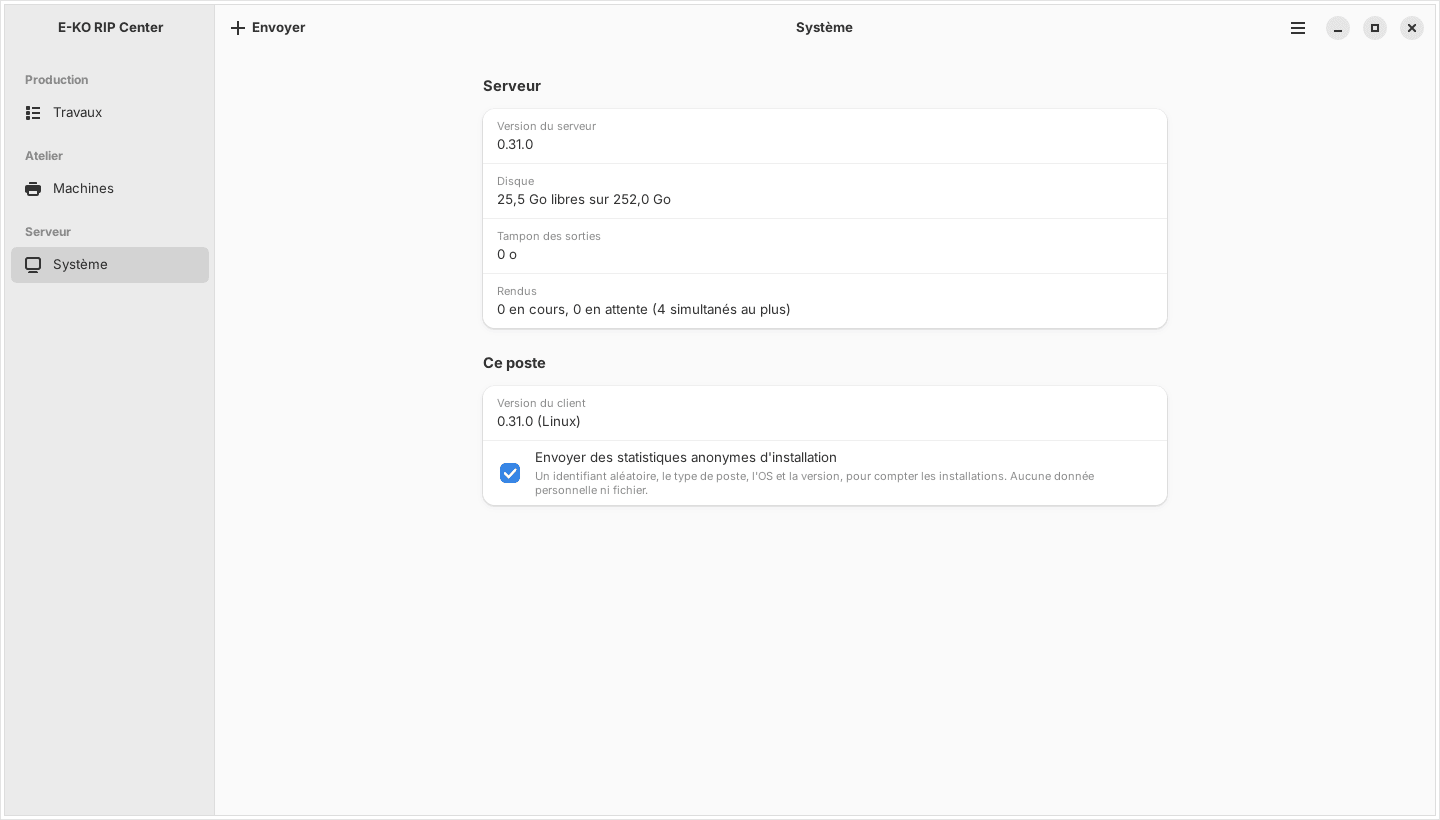
Use Report a problem… (Signaler un problème…) in the client: the report goes with the server log (masked) and a reference is shown. Or write to contact@e-ko.rip, giving the server version (System view) and the exact message.
Found a mistake or something missing? Suggest a fix or write to contact@e-ko.rip.