 E-KO RIP Center
Documentation › Administer
Run the server
Accounts, backups, updates, shared folders, advanced settings and server data.
This page is for the person who looks after the server: accounts, backups, updates, shared folders and advanced settings. The commands are typed on the server, in a terminal or over SSH.
Day to day
systemctl status eko-rip-serveur        # is the service running?
journalctl -u eko-rip-serveur -f        # live log
sudo systemctl restart eko-rip-serveur  # restart
The log records every failed render and every failed output, with the machine, the job and the reason. In the client, the System view shows the version, the free disk space and how long jobs are kept.
A restart interrupts the render in progress: the job goes to the "interrupted" failure state, to be restarted with Retry. Outputs in the queue stay in the queue; everyone reconnects.
Accounts
| Action | Command |
|---|---|
| Add an administrator | sudo -u eko-rip env EKO_RIP_DATA=/var/lib/eko-rip eko-rip-serveur utilisateur ajouter <nom> admin |
| Add an operator | … utilisateur ajouter <nom> operateur |
| List the accounts | … utilisateur liste |
| Delete an account | … utilisateur supprimer <nom> |
- Forgotten password or role change: declare the account again with
utilisateur ajouter; the new password and role replace the old ones. - 5 wrong passwords block the name for 5 minutes.
- Deleting an account closes its sessions at once. No restart is needed.
Backing up
The configuration (machines, media, prices, saved presets, cutting, spot colours, ICC profiles): in the client, Administration… › System › Configuration backup › Download the backup. Keep the file off the server, and make a new backup after every settings change.
Everything, accounts included: copy the /var/lib/eko-rip folder, with the service stopped. Jobs are large and can be rebuilt from their source files: the configuration and the accounts file (utilisateurs.json) are often enough.
Before every update, the package copies the configuration by itself into /var/lib/eko-rip/sauvegardes/ (the last 10 are kept).
Rebuilding a server
- Install the server on the new PC (Install the server).
- Create the administrator account.
- In the client: System › Configuration backup › Restore… and choose the file. Everything is checked before anything is written: a damaged file changes nothing.
- Recreate the operator accounts.
Updating
Through the APT repository (server installed as recommended):
sudo apt update && sudo apt upgradeThe data stays in place. The administration interface comes from the server: new features appear there as soon as it is updated. The clients are updated separately (see Install the clients).
What is new in each version is in the release notes, with an e-mail subscription.
Sharing the hot folders
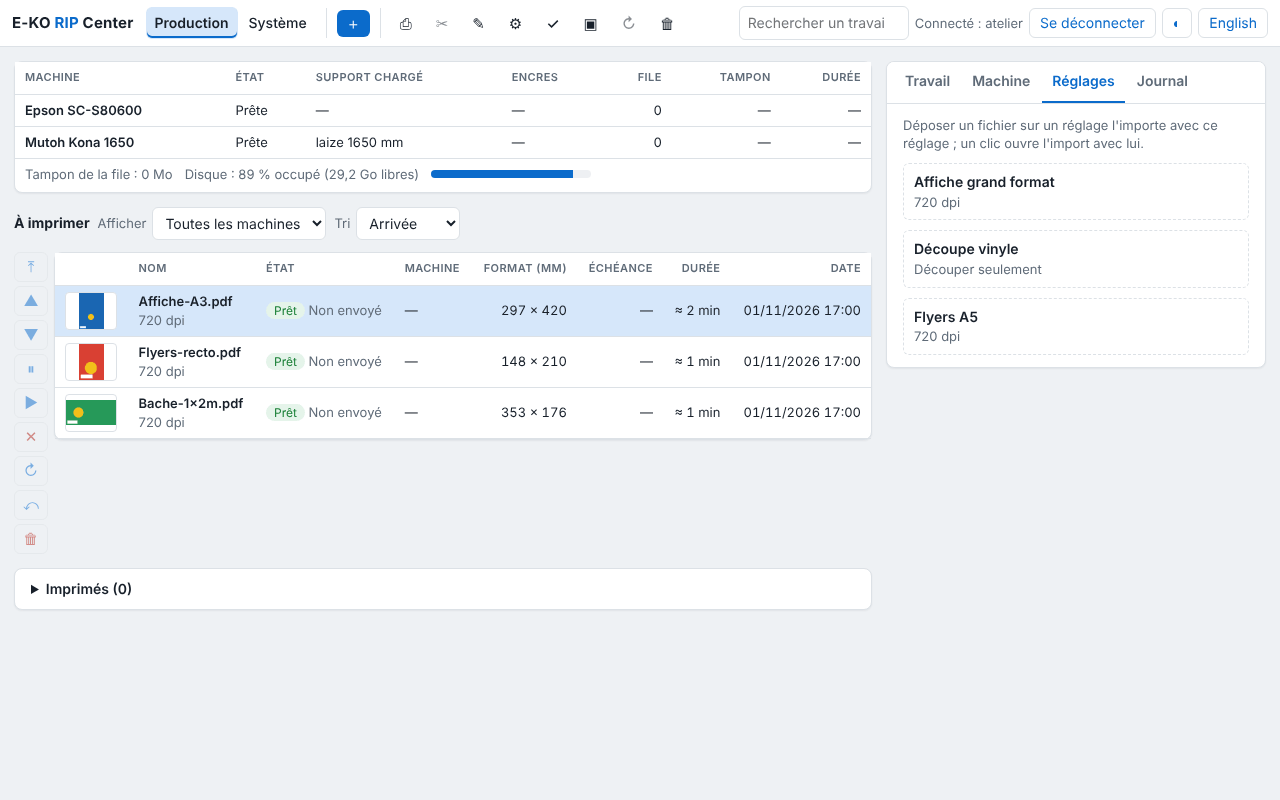
Each saved preset has a folder /var/lib/eko-rip/entrees/<preset>/: a file dropped into it goes to the RIP with that preset. To drop files there from the workstations:
sudo apt install sambaAdd to the end of /etc/samba/smb.conf:
[eko-rip]
   path = /var/lib/eko-rip/entrees
   writable = yes
   force user = eko-rip
   valid users = eko
Then sudo smbpasswd -a eko and sudo systemctl restart smbd. Workstations open smb://<server>/eko-rip (Mac, Linux) or \\<server>\eko-rip (Windows).
Advanced settings
In /etc/default/eko-rip-serveur, then sudo systemctl restart eko-rip-serveur.
| Setting | Default | Role |
|---|---|---|
EKO_RIP_ADDR | 0.0.0.0:8640 | listening address and port |
EKO_RIP_DATA | /var/lib/eko-rip | data folder |
EKO_RIP_MAX_MO | 8192 | maximum size of a received file, in MB |
EKO_RIP_DELAI_S | 1800 | maximum duration of a render, in seconds |
EKO_RIP_RENDUS | one per core, 4 at most | renders run at the same time (1 to 16) |
EKO_RIP_CONSERVATION_JOURS | 30 | jobs deleted after this number of days (0: never) |
EKO_RIP_SEUIL_LIBRE_MO | 5120 | free space to keep; below it, old jobs are purged |
EKO_RIP_SEUIL_ALERTE_MO | 20480 | threshold for the "disk almost full" alert |
EKO_RIP_PLOTTER | /dev/kona | port of the USB cutter |
EKO_RIP_EPSON_SNMP | (empty) | address of the Epson, to read the loaded media |
EKO_RIP_ANNONCE | 1 | 0: do not announce itself on the network (address to be entered in the clients) |
EKO_RIP_CLOUD_NOM | PC name | name offered for the site on the Cloud |
The full reference (all the settings, the location of each data file) is in the technical documentation.
Where the data is
Everything is in /var/lib/eko-rip: one folder per job (travaux/), the queue (file.json), the machine catalogue (machines.json), the media, the presets, the accounts (hashed passwords), the ICC profiles and the hot folders (entrees/). Each settings file keeps its previous version (.prec): after a power cut, the server picks it up by itself and reports it in System.
Statistics and bug reports
Anonymous statistics: the server and the clients send an installation signal (version, system), with no data from the shop or from the files. To stop it: untick System › Anonymous statistics (server), Système › Confidentialité (Mac; System › Privacy) or Système › Ce poste (Linux; System › This computer); or set EKO_TELEMETRIE=0 in /etc/default/eko-rip-serveur.
Report a problem: Help menu (Mac; Aide), main menu (Linux) or System › Bug reports in the administration. The title and description are published on GitHub: put nothing confidential in them. The attached server log and the e-mail stay private. Automatic error reports are sent only after you agree, which is asked the first time you open the administration.
Found a mistake or something missing? Suggest a fix or write to contact@e-ko.rip.